
Magento 2 MSI Explained: Inventory That Scales
A practical guide to Magento 2 Multi-Source Inventory — sources, stocks, reservations, and omnichannel fulfillment patterns that avoid overselling.
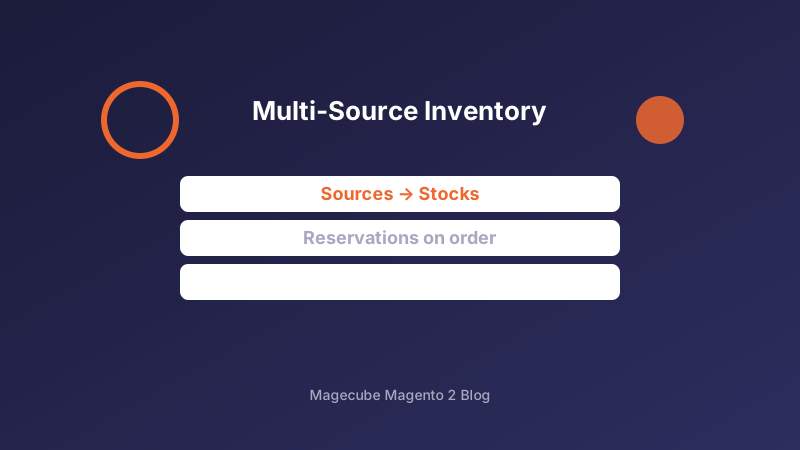
Sources, Stocks, and Sales Channels
MSI separates physical sources (warehouses, stores, 3PLs) from stocks (sellable aggregates assigned to sales channels). Model sources around real fulfillment nodes, then attach stocks to Magento websites that should sell from those pools.
Avoid the default single-source setup once you have more than one warehouse or ship-from-store. Early MSI modeling is far cheaper than untangling salable quantity bugs after peak season.
Reservations and Salable Quantity
When a shopper places an order, MSI writes reservations that reduce salable quantity before stock deduction on shipment. If third-party ERP syncs ignore reservations, you will see ghost inventory and oversells.
Monitor reservation cleanup after credit memos and canceled orders. Stale reservations are a common cause of 'out of stock' on SKUs that still have on-hand quantity in the warehouse.
Omnichannel and ERP Integration Tips
For click-and-collect or ship-from-store, create a source per retail location and distance-based source selection rules. Keep admin source codes stable — renaming sources breaks historical reservation links.
Integrate ERPs against MSI APIs or carefully mapped stock endpoints, not legacy cataloginventory tables. Write idempotent sync jobs and reconcile salable quantity nightly during the first month after cutover.
Need help with your Magento 2 project?
Talk to Our Team