
Magento 2 Multi-Store Setup: Websites, Stores & Views
Learn how to configure Magento 2 websites, store views, and shared catalogs for multi-brand, multi-currency, and multi-language commerce.
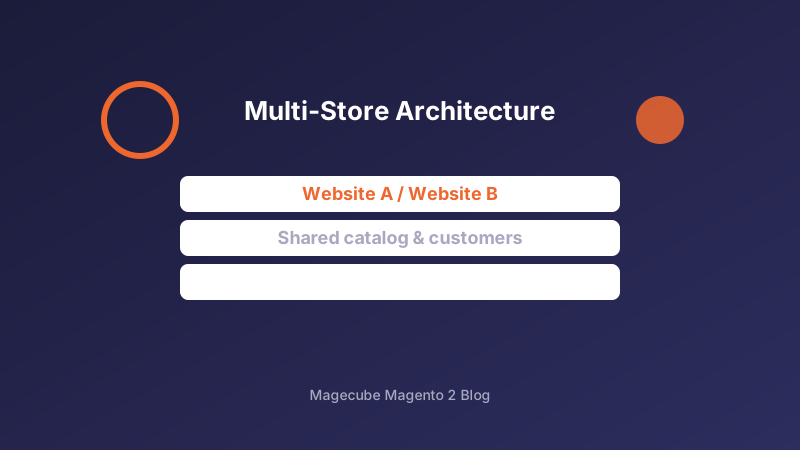
Websites, Stores, and Store Views
Magento's hierarchy starts with websites (separate customer/checkout domains), then stores (catalog roots), then store views (language, currency, and theme). Plan this tree before launch — restructuring later forces URL, SEO, and customer-data migrations.
Use one website per legal entity or radically different checkout rules. Use store views for translations and regional pricing when the catalog and customer base should stay shared.
Catalog, Pricing, and Configuration Scope
Set product attributes, root categories, and prices at the correct scope. Website-scoped prices and store-view-scoped descriptions prevent accidental global overwrites when merchants edit the admin.
For shared inventory across brands, keep a single MSI source map and assign sales channels carefully. Duplicate SKUs across websites only when fulfillment truly differs.
Domains, Themes, and Launch Checklist
Map each store view to its base URL, configure secure URLs, and verify hreflang plus canonical tags for every locale. Theme and design configuration should be store-view scoped so brand A never inherits brand B's chrome.
Before go-live, test login, cart, checkout, sitemap generation, and transactional email identity per store view. A multi-store that looks right in the admin often fails on email sender names and cookie domains.
Need help with your Magento 2 project?
Talk to Our Team