
Magento 2 Version Upgrade Guide: Planning a Safe Upgrade
Plan and execute Magento 2 version upgrades without downtime — extension compatibility audits, staging tests, rollback strategies, and post-upgrade checks.
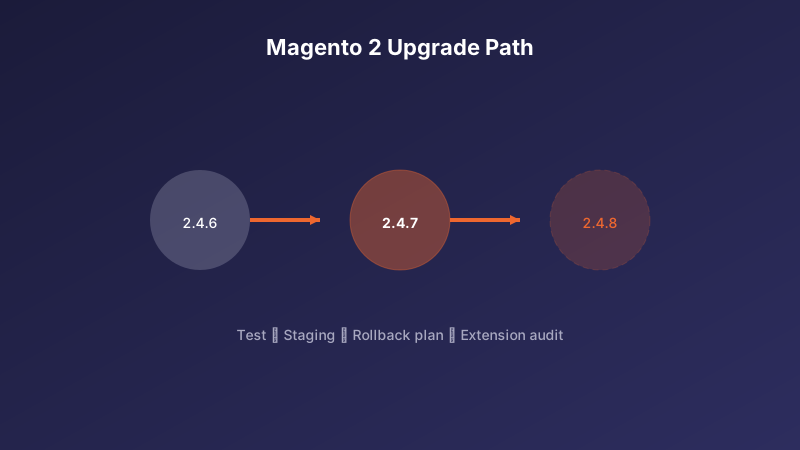
Pre-Upgrade Planning
Before upgrading Magento 2, audit all installed extensions for compatibility with the target version. Contact vendors for updated packages and identify any abandoned modules that need replacement.
Review Adobe's release notes for breaking changes, deprecated features, and new PHP version requirements. Ensure your server meets the minimum specs for the target Magento version.
Staging and Testing
Never upgrade production directly. Clone your store to a staging environment, apply the upgrade via composer, run setup:upgrade and compile commands, then execute your full test suite.
Test critical flows end-to-end: product browse, add to cart, checkout with each payment method, admin order management, and any custom integrations (ERP, CRM, shipping). Regression test third-party extensions individually.
Production Rollout and Rollback
Schedule upgrades during low-traffic windows. Put the store in maintenance mode, take a full backup (database + code + media), apply the upgrade, and run post-deployment smoke tests before removing maintenance mode.
Prepare a rollback plan: keep the previous code snapshot and database backup accessible for at least 48 hours. Monitor error logs, checkout success rates, and cron job execution closely for the first week after upgrade.
Need help with your Magento 2 project?
Talk to Our Team